
Speak naturally
Hesitations and corrections can disappear while your meaning and voice remain intact.
Aria for macOS
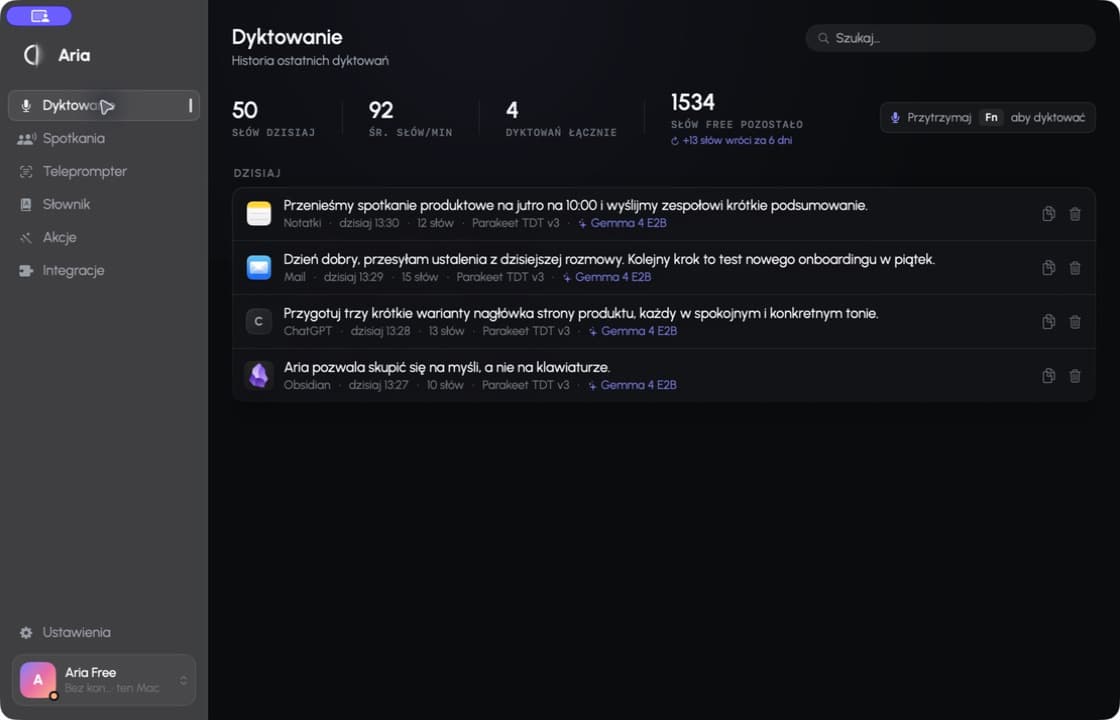
Dictate in any app, record meetings and turn your voice into structured text — on your Mac or in the cloud you choose.
Where you already work
Aria inserts text into the active field — no tool switching or copy and paste.
 Notion
 ObsidianSlackChatGPTDocuments
Less clicking. More thinking.
Aria is not another window to manage. It stays in the background, understands the cursor context and leaves you with text that is ready to use.
Hesitations and corrections can disappear while your meaning and voice remain intact.
Aria adjusts capitalization, punctuation and form to where you are writing.
Choose a local model, your own API key or Aria Cloud for each job.
One Aria, many parts of your day
Hold Fn, speak, then release. Aria cleans up the thought and inserts it exactly where your cursor is.
Works in almost any app with a text field.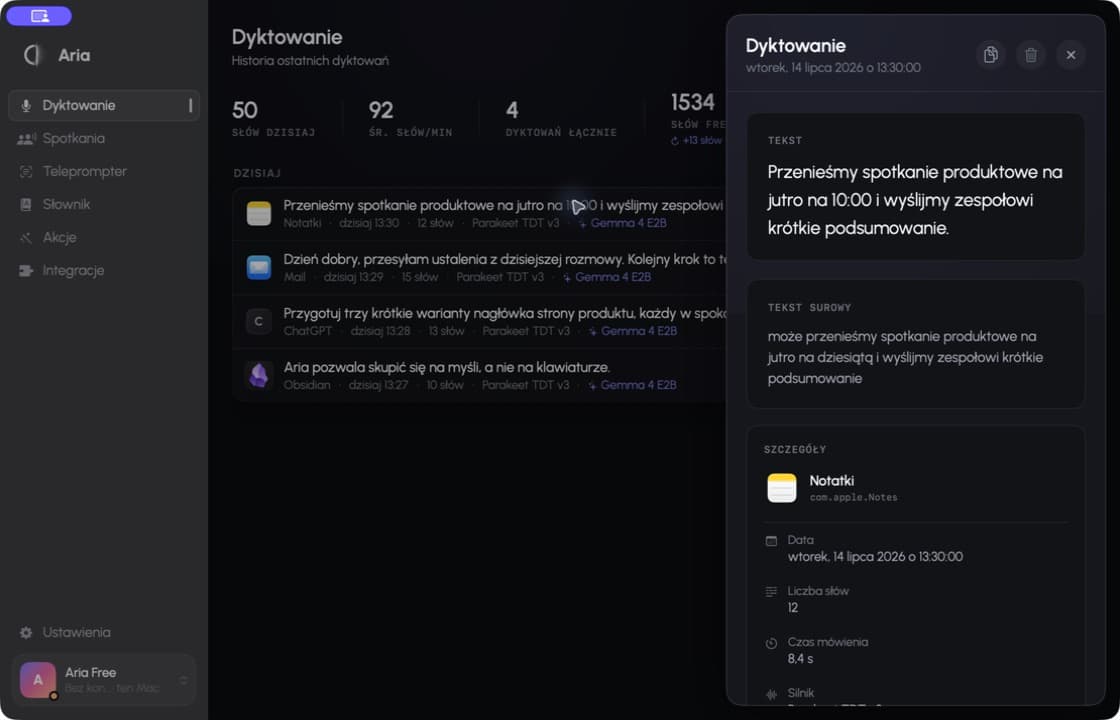
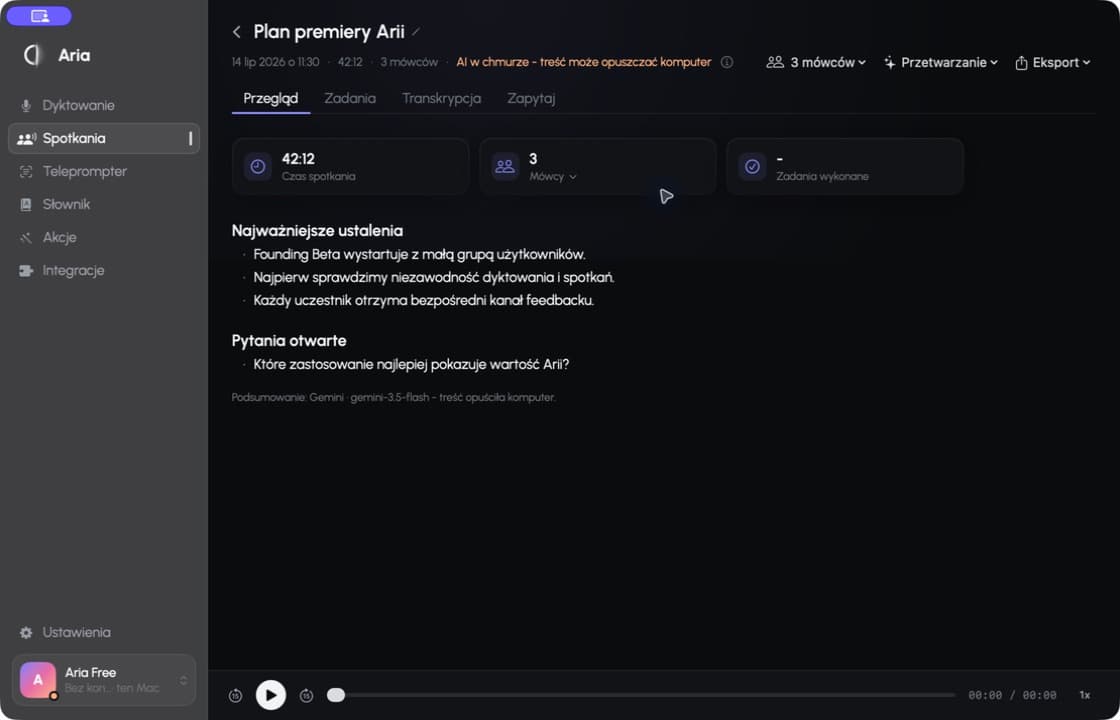
Record longer conversations, identify speakers, correct their names and create summaries with concrete decisions.
Recordings and transcripts can stay entirely on your Mac.A discreet, always-available window guides you through the text without covering what matters.
Adjustable pace, appearance and keyboard shortcuts.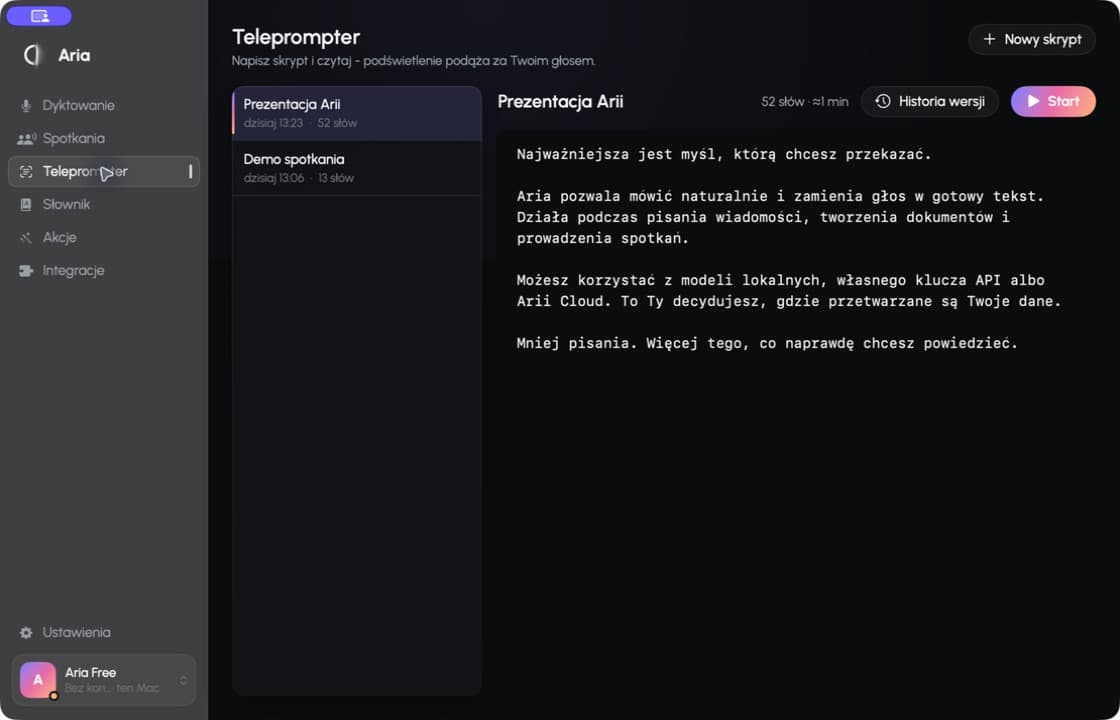
Summarize text, change its tone, shorten it or run your own instruction without moving content between apps.
Custom actions are also available from the menu bar.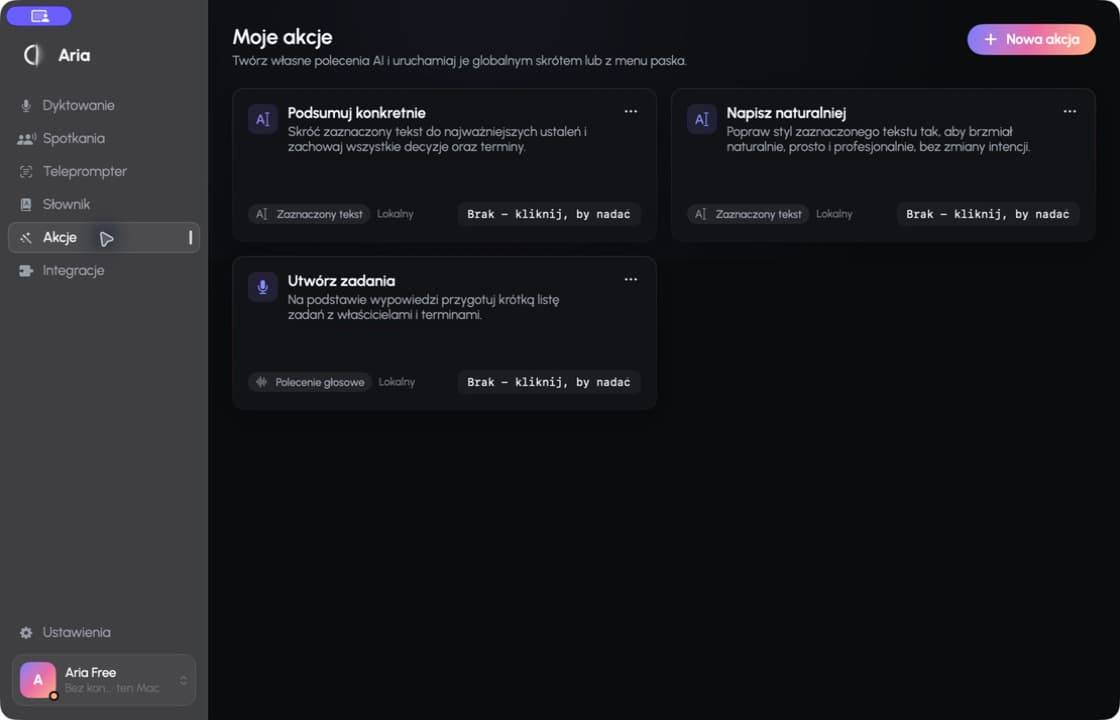
Designed as a tool, not a gimmick
Aria can tell whether you are continuing a sentence, starting a new thought or replacing selected text.
Name people, correct one segment or apply the change across the entire meeting.
By default Aria improves form, not intent. Stronger rewrites stay inside actions you choose.
Use a supported cloud provider with your own API key and keep direct control of usage costs.
Fn starts dictation. Everything else is one shortcut or menu bar click away.
Dictations and meetings stay organized in one app, ready to find and reuse.
Privacy on your terms
Aria does not lock you into one way of working. Local features can run without sending content and recordings off your Mac. Cloud services are an explicit choice.
Your content can stay on your MacA simple choice
Free lets you properly try dictation and one meeting. Local unlocks on-device work, while Pro adds the convenience of Aria Cloud.
no card required
For your first days with Aria.
one-time · 299 PLN
The full local Aria experience.
or $99 / year · 49 / 399 PLN
Local plus the convenience of Aria Cloud.
one-time · 199 PLN
A limited validation price for the first 30–50 people.
Founding Beta is assigned manually and is not available through public checkout. Paid checkout starts inside the app, and Stripe shows the final charge before payment is confirmed.
Common questions
No. You can begin with Aria Free without an account. Sign-in is needed to buy a plan, manage licensed devices and use Aria Cloud.
Not when you choose local transcription and processing. Meeting recordings are stored locally. Data is sent only after you select Aria Cloud or a third-party provider through your own API key.
Local permanently unlocks on-device features and BYOK. Pro is a subscription that adds Aria Cloud with up to 60 hours of meeting transcription each month.
Dictation works in the great majority of macOS apps that expose a standard text field. Some custom or protected fields may limit insertion.
Yes. Aria shows your linked devices and lets you disconnect an old Mac. Paid plans support up to three active devices.
Local is a perpetual purchase, not a subscription. The exact scope of updates and support is described in the current purchase terms.
Download Aria, start your first dictation without an account and try it inside your own workflow.
Download for MacmacOS 14 or newer · Apple Silicon